HTML Link Exercises
CODE
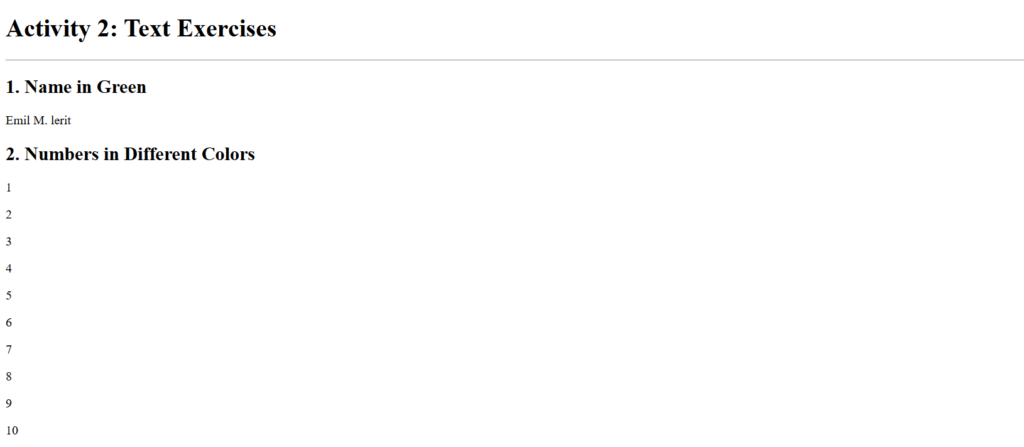
<h1>Activity 2: Text Exercises</h1>
    <hr>

    <!-- 1. Print your name in green. -->
    <h2>1. Name in Green</h2>
    <p class="name-green">Emil M. lerit</p>

    <!-- 2. Print numbers 1–10 in different colors. -->
    <h2>2. Numbers in Different Colors</h2>
    <div class="activity-2-2">
        <p class="num1">1</p>
        <p class="num2">2</p>
        <p class="num3">3</p>
        <p class="num4">4</p>
        <p class="num5">5</p>
        <p class="num6">6</p>
        <p class="num7">7</p>
        <p class="num8">8</p>
        <p class="num9">9</p>
        <p class="num10">10</p>
    </div>

    <!-- 3. Print name in Tahoma font. -->
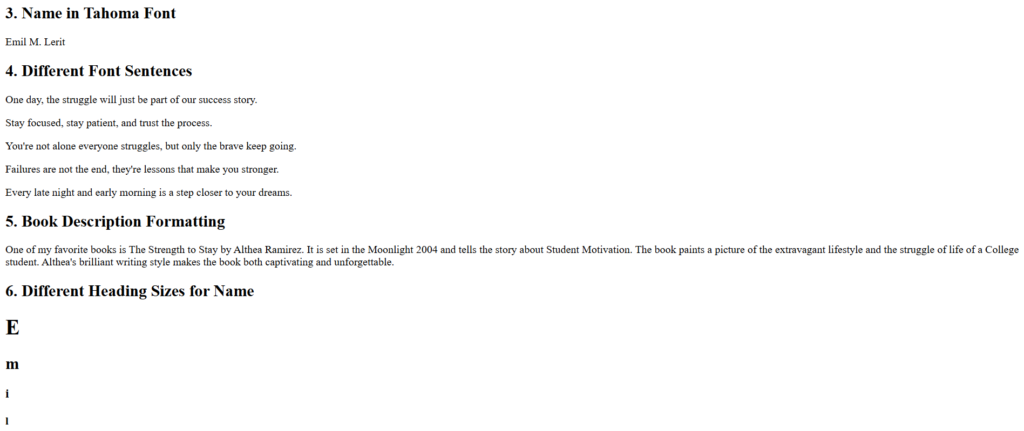
    <h2>3. Name in Tahoma Font</h2>
    <p class="name-tahoma">Emil M. Lerit</p>

    <!-- 4. Print a paragraph with each sentence in a different font. -->
    <h2>4. Different Font Sentences</h2>
    <p class="font-arial">One day, the struggle will just be part of our success story.</p>
    <p class="font-courier">Stay focused, stay patient, and trust the process.</p>
    <p class="font-georgia">You're not alone everyone struggles, but only the brave keep going.</p>
    <p class="font-verdana">Failures are not the end, they're lessons that make you stronger.</p>
    <p class="font-times">Every late night and early morning is a step closer to your dreams.</p>

    <!-- 5. Print a book description with proper formatting. -->
    <h2>5. Book Description Formatting</h2>
    <p>
        One of my favorite books is <span class="underline">The Strength to Stay</span>
        by <span class="underline">Althea Ramirez</span>.
        It is set in the <span class="bold-italic">Moonlight</span> 2004 and tells the story about Student Motivation.
        The book paints a picture of the <span class="bold-italic">extravagant</span> lifestyle and the
        <span class="bold-italic">struggle</span> of life of a College student.
        Althea's <span class="bold-italic">brilliant</span> writing style makes the book both
        <span class="bold-italic">captivating</span> and unforgettable.
    </p>

    <!-- 6. Print name using different heading sizes. -->
    <h2>6. Different Heading Sizes for Name</h2>
    <div class="heading-name">
        <h1>E</h1>
        <h2>m</h2>
        <h3>i</h3>
        <h4>l</h4>
    </div>

    <br style="clear: both;">
I learned how to display and organize text content correctly on a webpage.

CODE
<h1>Activity 1: Basic Exercises </h1>
<hr>
<!-- 1. Create a webpage that prints your name to the screen. -->
<h2>1. Print Name</h2>
<h1>Emil M. Lerit</h1>
<!-- 2. Create a webpage that prints the numbers 1 - 10 to the screen. -->
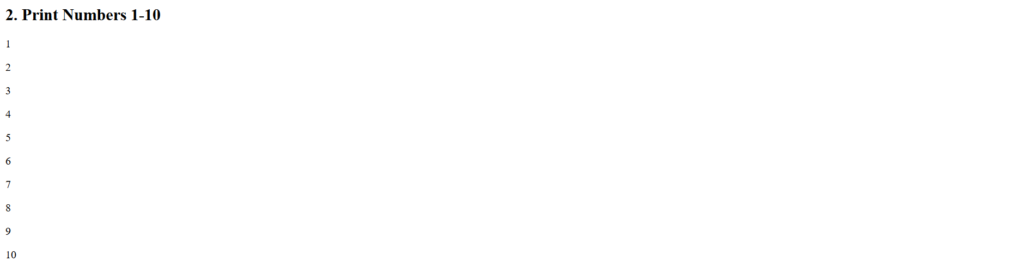
<h2>2. Print Numbers 1-10</h2>
<p>1</p>
<p>2</p>
<p>3</p>
<p>4</p>
<p>5</p>
<p>6</p>
<p>7</p>
<p>8</p>
<p>9</p>
<p>10</p>
<!-- 3. Create a webpage and set its title to “This is a webpage.” -->
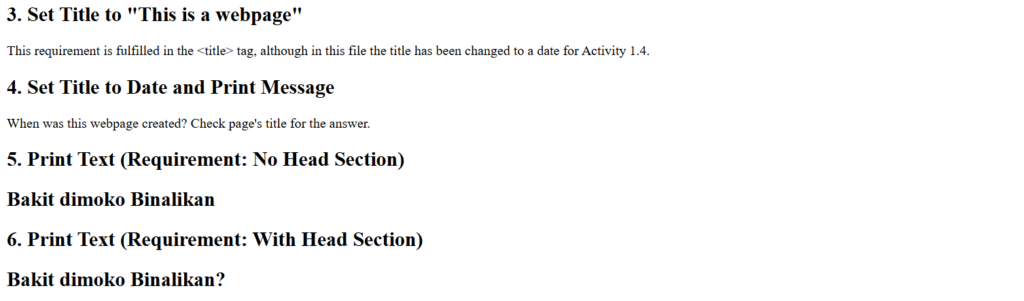
<h2>3. Set Title to "This is a webpage"</h2>
<p>This requirement is fulfilled in the <title> tag, although in this file the title has been changed to a date for Activity 1.4.</p>
<!-- 4. Create a webpage that prints a message and shows creation date in the title. -->
<h2>4. Set Title to Date and Print Message</h2>
<p>When was this webpage created? Check page's title for the answer.</p>
<!-- 5. Create a webpage that prints text WITHOUT a head section. -->
<h2>5. Print Text (Requirement: No Head Section)</h2>
<h2>Bakit dimoko Binalikan</h2>
<!-- 6. Repeat exercise #5 but WITH a head section. -->
<h2>6. Print Text (Requirement: With Head Section)</h2>
<h2>Bakit dimoko Binalikan?</h2>
<br style="clear: both;">I learned how to structure a basic webpage using proper HTML tags and elements.